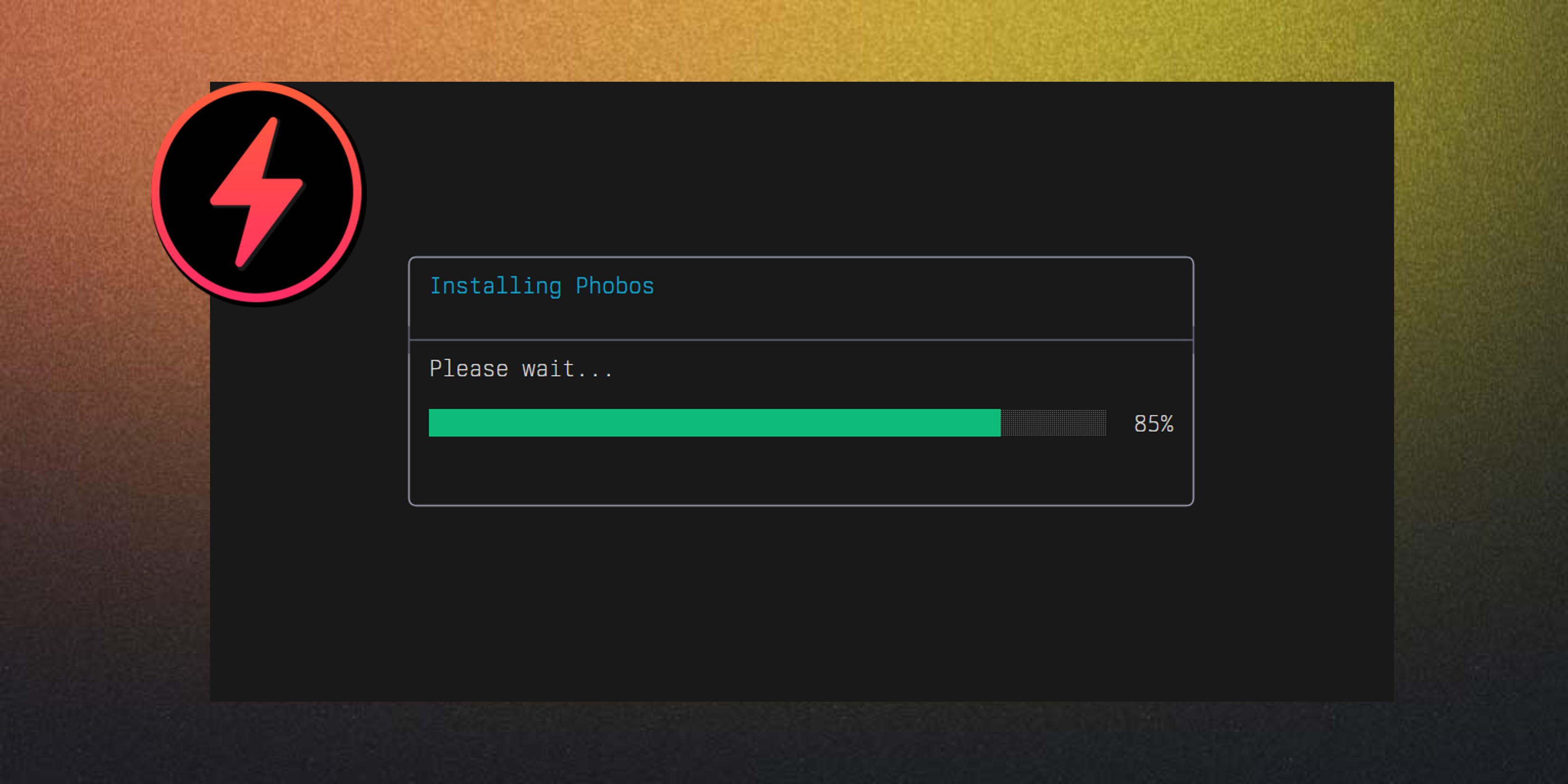
PhobOS Live Install for Intel x86_64/AMD64
Presenting the Zeus Live Install for PhobOS
While most operating system providers for industrial embedded Linux belch about how they are great about AI and the agentic era bla bla bla, most of their users still have to deal with basic challenges, like installing the OS on their machines.
Today I’m showcasing the Zeus Live Install for PhobOS. It comes embedded on the PhobOS image and allows users to create a live boot USB or SD card that can install PhobOS itself on the main storage of the machine. This is a game changer for users who want to experience PhobOS on their hardware without the hassle of complex installation processes.
Direct to the point
The Zeus Live Install is designed to be user-friendly but also simple and direct to the point. It provides a straightforward TUI (Text User Interface) that guides users through the installation process step by step. Users can select their target drive and that’s it. The installer takes care of the rest, including partitioning, formatting, and setting up the necessary bootloader.
Behind the scenes
The Zeus Live Install is an open source tool written in Zig: https://github.com/gaiaBuildSystem/zeus-intel
The same image that contains the installer also contains the PhobOS system itself, so users can try out PhobOS in a live environment before deciding to install it. But, how it knows when it should boot into the live environment and when it should boot into the installer?
There are two tricks that make this possible. The first one is the label name used on the boot partition. The PhobOS image for x86_64 comes with the label BOOT-INTEL on the boot partition, while the images for other platforms come with the label BOOT. The second one lies in the bootloader. One of the differences between PhobOS for x86_64 and other OSes is that it uses U-Boot as its bootloader. What? The same one used in the arm ecosystem? Yes, the same one. Exactly to unify the boot process across all the platforms that PhobOS supports. At U-Boot the boot command checks for a file called BOOT-INTEL on the boot partition. So, it knows that it needs to boot the rootfs from the same disk of the one with the label BOOT-INTEL. If it finds it, it knows that it should boot into “live installer” mode. Or better saying, it’s the variant INTEL of the unified boot process of PhobOS. If it finds another file called BOOT, it knows that it should boot into the normal boot flow.
The Zeus live installer renames the BOOT-INTEL file to BOOT and also modify the labels of the new installed system on the target drive, so that when the user reboots after installation, it will boot into the normal PhobOS environment instead of the live installer. Also it sets some U-Boot environment variables that will be passed to the Kernel and could be used also by the userspace:
zeus_install # boolean 0 or 1, indicates if we should run zeus installer or not
label_name # the label name of the EFI partition
efidisk # the index of the disk where the EFI partition with the label_name was found
Conclusion
The Zeus Live Install for PhobOS is a significant step forward in making PhobOS more accessible to users with Intel x86_64/AMD64 hardware. It simplifies the installation process and allows users to experience PhobOS in a live environment before committing to an installation. This is just one of the many features that make PhobOS a versatile and user-friendly operating system for industrial embedded Linux applications.
Did you find this feature useful? Do you have any feedback or suggestions for improvement? Let us know!
Know you are loved ❤️